
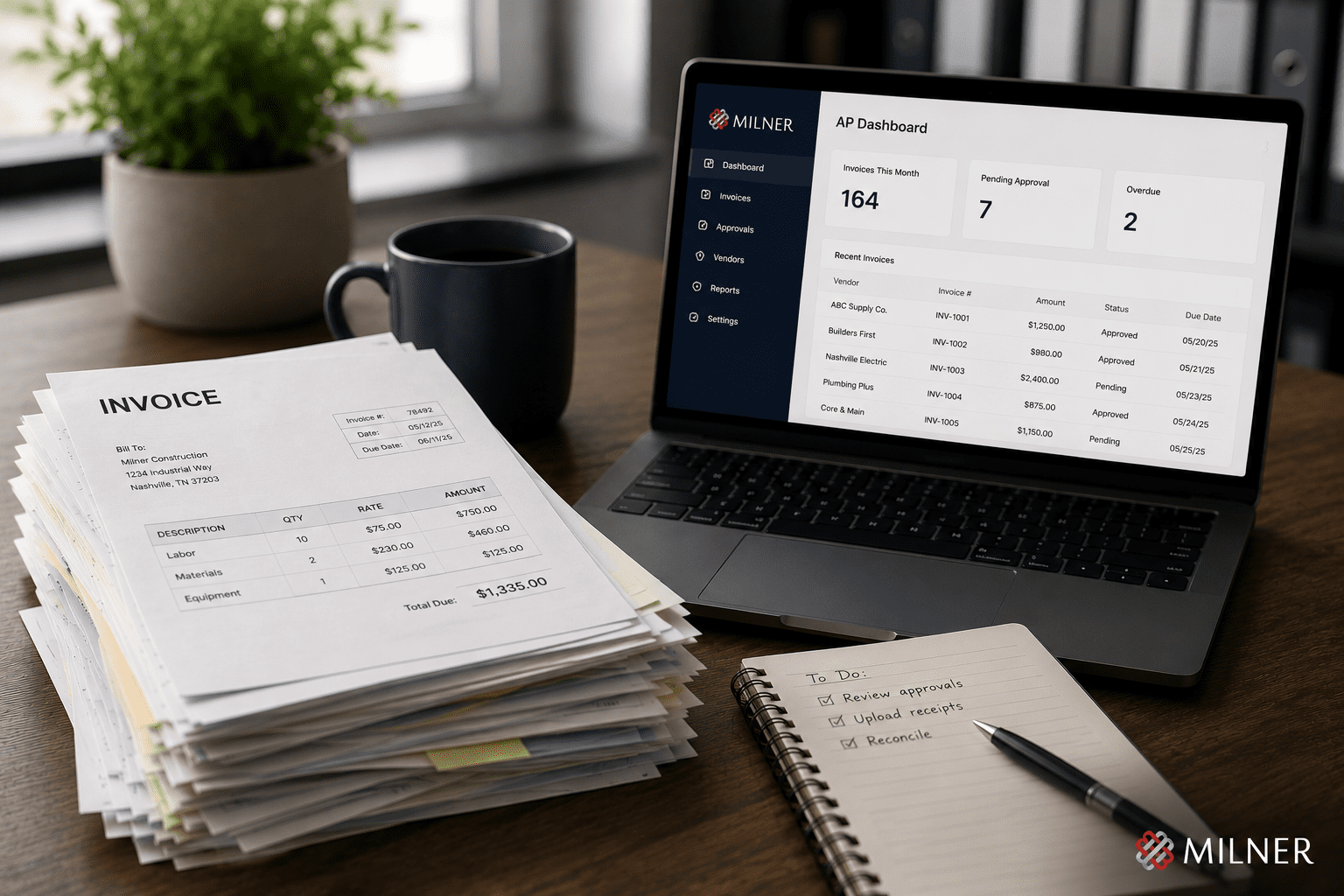
Every invoice your business receives has to be opened, filed, coded, checked against the right job or purchase order, and keyed into your accounting system by hand, one at a time. When you’re small, that’s a chore. As you grow, it becomes a wall.
At some point most companies reach the same fork: hire more staff to push more paper, or change how the work gets done. This guide covers what accounts payable automation is, how it works, what it saves, and what it looked like for one company that put it in place.
What is accounts payable automation?
Accounts payable automation is technology that handles the invoice-to-payment process for you. It captures invoices, reads the data off them, validates that data, routes approvals, and posts finished records into your accounting system with little or no manual entry.
In plain terms, invoices come in and the software does the filing, coding, and checking a person used to do by hand. Modern tools use AI to read each invoice the way an experienced clerk would, pull the vendor, amount, dates, and line items, and match them against what’s already in your system. Your team moves from typing every invoice to reviewing the few that need a human eye.
The hidden cost of manual invoice processing
Manual accounts payable costs more than any single budget line shows. Industry research puts the cost of processing one invoice by hand at roughly $12 to $15 once you count labor, errors, and rework, and it often takes more than a week from arrival to posting.
That delay carries a price. Late invoices mean late fees. Slow approvals mean missed early-payment discounts worth 1% to 2% per invoice. Hand-keyed data means duplicate payments and wrong accounts. And your skilled finance people spend their days on data entry when they could be catching billing errors or managing cash flow.
How accounts payable automation works
Good AP automation follows the same path a careful person would, faster and with no typing:
- Capture at the inbox. Invoices arrive by email and route straight into the system. No printing, no saving files to folders.
- Reading and filing. Intelligent indexing reads each invoice and files it automatically, pulling the vendor, number, dates, amounts, and line items.
- Validation and duplicate checks. Every document is checked for accuracy and run against existing records to catch duplicates before they post.
- Smart coding. Default coding fills in by vendor and expense type. Staff confirm the job or cost center, and the right general ledger account follows.
- Matching and approval routing. Invoices match against open purchase orders, and anything needing sign-off routes to the right approver automatically.
- Posting to your system. Finished records export into the accounting or ERP system you already run. No retyping.
The invoice flows from inbox to accounting with a fraction of the manual work, and your team handles only the exceptions. It’s the same idea behind Milner’s workflow automation and document capture solutions.
What it looks like in practice
Here’s how that played out for one company. A Milner client runs a multi-location operation: around 1,000 employees across 10 sites, handling AP the old way with two to three people per location touching invoices. As the group grew, leadership faced the familiar fork and chose to automate.
On Milner’s pre-configured invoice solution, the system now reads each invoice, validates the data, checks for duplicates, runs the calculations, and matches against open purchase orders. Approvals route automatically through cost-center groups, and finished records import straight into the company’s existing accounting platform. Paper forms like check requests and purchase approvals became electronic web forms, each with its own approval chain, and a later project centralized shipping across all 10 locations.
The results
The numbers are the part worth sitting with. The company processes about 8,000 invoices a month. At Hennessy Automobile Companies, 45% are matched and posted with no human interaction at all, and another 52% of non-purchase-order invoices move through automated coding, approval, and completion with people involved only where judgment is needed.
Late fees are gone. At Hennessy, early-payment discounts of 1% to 2% per invoice now get captured from many vendors, straight back to the bottom line. And the AP team’s time moved from data entry to catching billing errors and analyzing spend. Same people, more valuable work.
It works with the system you already have
The first question most finance leaders ask is whether automation will work with their financial system. For nearly any setup, the answer is yes. AP automation sits in front of your accounting or ERP system, handles the capture, reading, validation, and routing, then hands a clean, posted record to whatever you already use.
That holds across platforms. Whether you run QuickBooks, a major ERP, or an industry-specific system like the one our client uses, the automation feeds it without invalidating your existing vendor agreement. Your current system stays right where it is.
Who benefits most from AP automation
AP automation pays off fastest for any business whose invoice volume has outgrown the team handling it:
- Multi-location operations. Several sites, each generating invoices, where one consistent process removes duplicated effort.
- High-volume buyers. Contractors, distributors, and suppliers handling hundreds or thousands of invoices a month.
- Growing companies weighing a hire. Whether automation costs less than the headcount depends on invoice volume, exception rates, and integration requirements, so it is worth pricing both.
- Lean finance teams. Organizations that want their accounting people spending their time on analysis and cash flow.
If someone on your team is buried in invoices, if month-end is a scramble, or if you’re about to post a job opening for an AP clerk, you’re already paying the cost of manual AP.
Is accounts payable automation worth it?
Weighing automation against another AP hire? Here’s how to price both options.
For most businesses processing real volume, the math favors automation. It pays for itself from two directions: it removes late fees, captures early-payment discounts, and cuts the labor hours tied up in manual entry, while freeing experienced staff for work that grows the business. For many companies it costs less than the AP hire they were about to make, and it runs around the clock with no onboarding. The savings scale with volume.
Run a job-costed business, like construction or contracting? The coding is the hard part, and we wrote a full guide on it: accounts payable automation for contractors.
Frequently asked questions
What is accounts payable automation?
Accounts payable automation is technology that captures invoices, reads and validates the data on them, routes approvals, and posts finished records into your accounting system with little or no manual entry. It takes over the manual filing, coding, and keying that AP staff used to do by hand.
How does AP automation work?
Invoices are captured automatically, usually straight from email. The system reads each one, validates the data, checks for duplicates, applies coding rules, matches against purchase orders, routes anything that needs approval to the right person, and exports the finished record into your accounting or ERP system.
How much can AP automation save?
Manual invoice processing costs roughly $12 to $15 per invoice. Automation usually brings that down to a few dollars. On top of the labor savings, businesses remove late fees and capture early-payment discounts worth 1% to 2% per invoice. The savings grow with invoice volume.
Will AP automation work with my accounting system?
Almost always, yes. AP automation feeds your existing accounting or ERP system, including industry-specific platforms. It handles the capture and processing, then posts a clean record into the system you already use.
Is AP automation only for large companies?
No. It pays off for any business whose invoice volume has outgrown the team handling it, including multi-location operations, high-volume buyers, and growing companies weighing whether to add AP staff. Invoice volume and team strain drive the decision, and company size matters less.
How long does it take to see results?
Because the system learns your process and works with your existing tools, most businesses see their manual workload drop soon after rollout. Results build over time as more invoice types route automatically and the team shifts to handling exceptions.
Stop typing invoices
If invoices are eating your team’s time, there’s a better way to handle them, and you can keep the accounting system you already use. Milner builds and configures accounts payable and document automation that fits how your business already works.
